Creating a home office that is both comfortable and productive can significantly enhance your work-from-home experience. Whether you work remotely full-time or occasionally need a quiet spot to focus, having the right environment plays a key role in how efficiently and pleasantly you work. Here are practical tips to help you design a home office space that supports your daily work routine.
Choose the Right Location
Find a Quiet Spot
Select a space in your home that is away from high-traffic areas. This minimizes distractions and helps you maintain concentration throughout the day.
Consider Natural Light
Natural light can improve mood and reduce eye strain. Try to position your desk near a window, but be mindful of glare on screens.
Assess the Space Size
Make sure the area is large enough for your essential equipment and allows you to move comfortably. Avoid cramped spaces where you might feel confined.
Invest in Ergonomic Furniture
Select a Comfortable Chair
A chair with adjustable height, lumbar support, and good padding helps prevent back pain and promotes better posture.
Use an Adjustable Desk
If possible, choose a desk that allows you to alternate between sitting and standing. This flexibility can reduce fatigue during long work hours.
Organize Your Desk Space
Keep frequently used items within arm’s reach to reduce unnecessary movements and stay organized.
Optimize Lighting
Combine Natural and Artificial Light
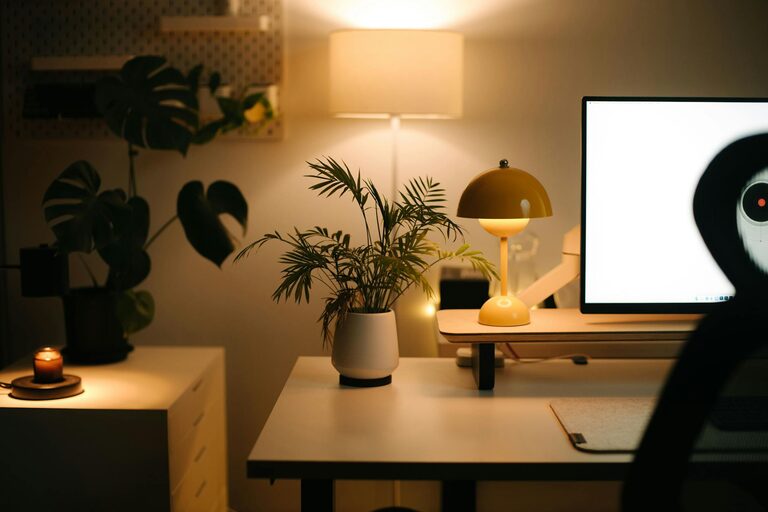
Use a combination of daylight and task lighting. A desk lamp with adjustable brightness helps you tailor light levels for different tasks.
Avoid Harsh Lighting
Stay clear of overhead lights that create glare or shadows on your workspace.
Minimize Distractions
Set Boundaries
Let family members or housemates know your work hours and the importance of minimizing interruptions.
Use Noise-Cancelling Solutions
Consider using noise-cancelling headphones or playing low-volume background music if it helps you focus.
Keep Devices in Check
Turn off non-essential notifications on your computer and phone during work hours to stay focused.
Personalize Your Space
Add Plants
Indoor plants can improve air quality and create a calming atmosphere.
Include Inspiring Decor
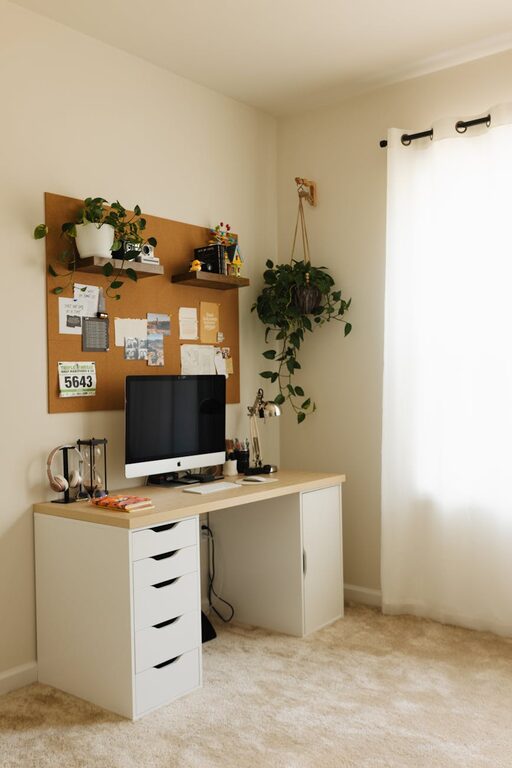
Personal touches like artwork, photos, or motivational quotes can keep you motivated.
Maintain a Clean Environment
Regularly declutter your workspace to ensure it remains inviting and free from distractions.
Organize Efficiently
Use Storage Solutions
Invest in shelves, drawers, or filing cabinets to keep documents and office supplies tidy.
Implement Cable Management
Untangled cords reduce mess and hazards. Use cable clips or sleeves to keep cords organized.
Utilize Digital Tools
Keep digital files sorted with folders and cloud storage to avoid cluttered desktops.
Establish a Routine
Set Work Hours
Define consistent start and finish times to create structure and balance between work and personal life.
Take Regular Breaks
Short breaks refresh your mind and reduce eye strain. Follow techniques like the Pomodoro method to manage time effectively.
Move Your Body
Incorporate stretches or brief exercises to prevent stiffness and maintain energy levels.
Maintain Technology Efficiency
Ensure a Reliable Internet Connection
A stable connection is essential for uninterrupted work and virtual meetings.
Keep Your Devices Updated
Regularly update software and perform maintenance to avoid technical issues.
Invest in Quality Equipment
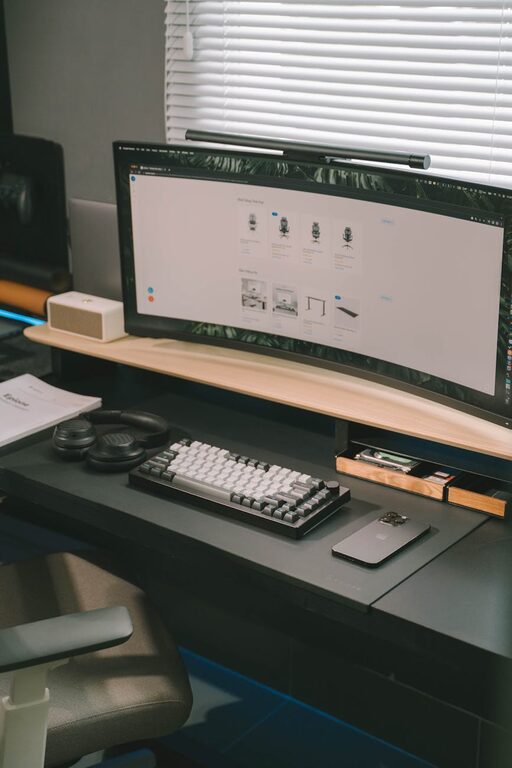
Use a good-quality keyboard, mouse, and headset to enhance comfort and communication.
Final Thoughts
Creating a comfortable and productive home office is about combining practical elements with your personal preferences. By thoughtfully designing your space and establishing healthy work habits, you can enjoy a more pleasant and efficient working environment every day. Start small, experiment with different setups, and adjust as needed to find what works best for you.