Creating a home office that feels both cozy and productive can transform your work-from-home experience. Whether you’re freelancing, managing a remote team, or simply trying to focus in a busy household, setting up the right space is key. This guide offers practical tips to help you design a home office that supports your work while keeping you comfortable and motivated.
Why a Cozy and Productive Space Matters
A well-designed home office encourages focus and efficiency while minimizing distractions. Comfort in your workspace can reduce stress and fatigue, making long work hours more manageable. When your office feels inviting, you’re more likely to enjoy the workday and maintain consistent routines.
Choosing the Right Location
Find a Quiet Spot
Look for a space in your home that’s away from high-traffic areas. This helps minimize noise and distractions. If possible, avoid setting up your office near the kitchen or living room.
Consider Natural Light
Natural light can improve your mood and energy levels. Position your desk near a window to take advantage of daylight. If natural light is limited, invest in good-quality lighting that mimics daylight tones.
Space and Layout
Choose a space that comfortably fits your desk, chair, and storage. You should have room to move and organize your materials without feeling cramped.
Selecting Comfortable and Functional Furniture
Ergonomic Chair
An adjustable, ergonomic chair supports your posture and reduces strain. Look for features like lumbar support and adjustable height.
Desk Size and Style
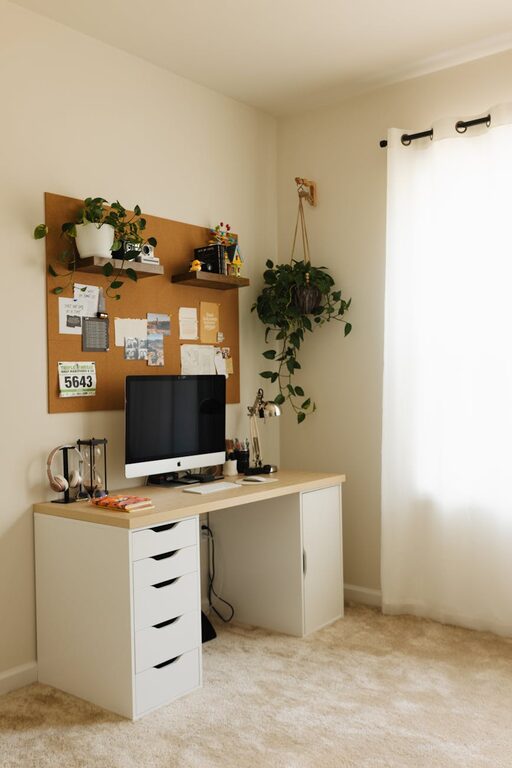
Select a desk that fits your work needs. A spacious surface helps keep your tools organized and accessible. Consider desks with built-in storage or cable management systems to reduce clutter.
Additional Seating
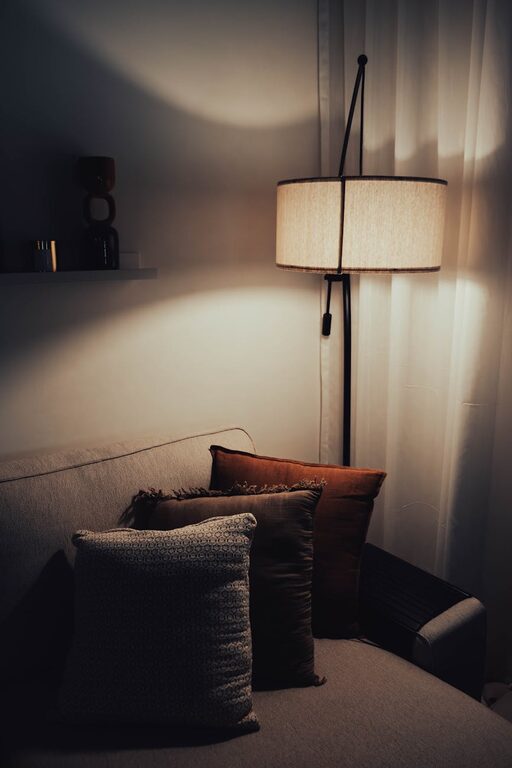
If space allows, add a cozy chair or small sofa for reading or brainstorming sessions.
Organizing Your Workspace
Declutter Regularly
Keep only essential items on your desk. A tidy workspace reduces distractions and promotes clarity.
Use Storage Solutions
Shelves, drawers, and organizers help keep papers, supplies, and devices in order. Label containers for easy access.
Cable Management
Use cable organizers or clips to keep cords tidy and avoid tangled messes.
Personalizing Your Office
Add Plants
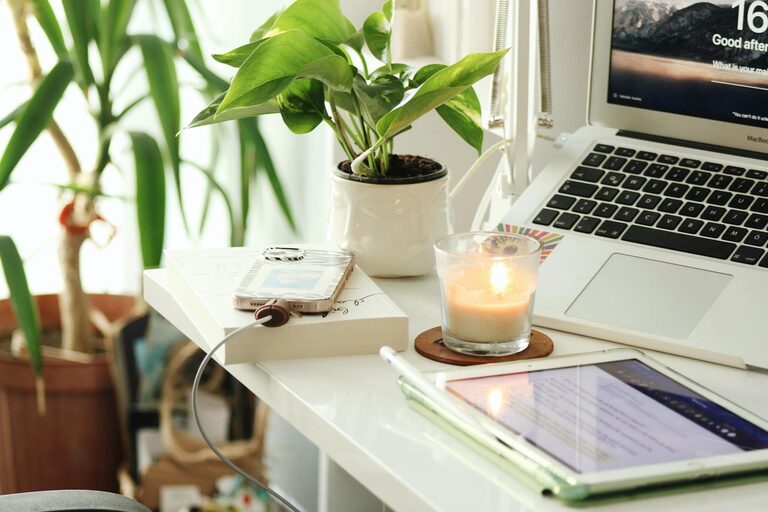
Indoor plants can improve air quality and add a touch of greenery, creating a calm atmosphere.
Decor and Colors
Choose colors and decorations that inspire you. Soft, neutral tones typically promote focus, while bright accents can add energy.
Display Personal Items
Photos, artwork, or meaningful objects can make your workspace feel uniquely yours.
Implementing Productivity Enhancers
Proper Lighting
Combine natural, overhead, and task lighting to reduce eye strain.
Noise Control
Use noise-canceling headphones or white noise machines if ambient sounds disrupt concentration.
Set Work Boundaries
Establish a defined start and end time for your workday. Consider physical cues like closing your office door to signal work mode.
Tech Setup
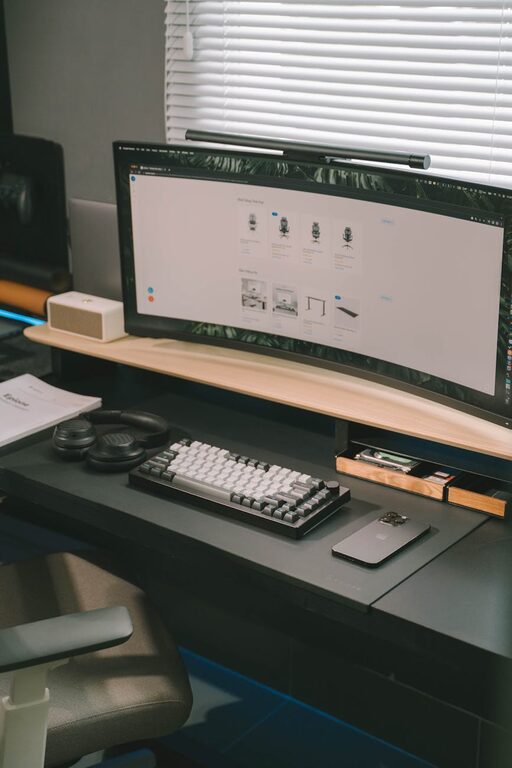
Ensure a reliable internet connection and up-to-date hardware. Arrange your devices ergonomically to minimize repetitive strain.
Maintaining Wellness in Your Office
Take Regular Breaks
Stand, stretch, or walk every hour to avoid fatigue.
Hydrate and Snack Smartly
Keep water and healthy snacks nearby to stay energized.
Encourage Movement
Incorporate a standing desk option or use a balance ball chair for added movement.
Final Thoughts
Building a cozy and productive home office doesn’t require a large budget or elaborate renovation. By choosing the right spot, investing in comfortable furniture, staying organized, and personalizing your space, you’ll create an environment that supports both your work and well-being. A thoughtfully designed home office helps you stay focused, feel relaxed, and ultimately enjoy your remote working experience more.
—
Creating a dedicated workspace that suits your needs can make a big difference in how productive and comfortable you feel each day. Start small with these tips and adjust as you discover what works best for you!