Creating a home workspace that is both cozy and productive can significantly improve your work-from-home experience. A well-designed area helps minimize distractions, boosts focus, and keeps you comfortable throughout the day. Whether you have a dedicated room or just a small corner, there are plenty of ways to tailor your space for better efficiency and comfort. In this post, we’ll explore practical tips to help you build the perfect environment for work.
Choose the Right Location
Find a Quiet Spot
Select a place in your home where you can work without frequent interruptions. Areas with minimal foot traffic or noise are ideal. If possible, choose a separate room or a corner that can be dedicated exclusively to your work.
Consider Natural Light
Natural light can boost mood and productivity. Try to position your desk near a window, but avoid glare on your computer screen. If natural light is limited, invest in good quality, adjustable lighting to brighten your workspace.
Invest in Comfortable Furniture
Ergonomic Chair
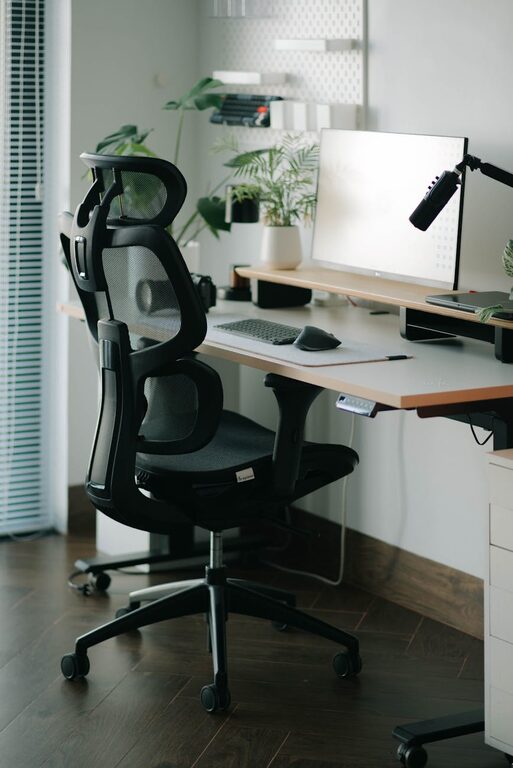
An ergonomic chair supports your posture, reduces strain, and helps prevent back pain. Look for chairs with adjustable height, lumbar support, and comfortable cushioning.
Desk Options
Pick a desk that suits your needs—enough space for your computer, documents, and other essentials. Height-adjustable desks can be beneficial if you want to alternate between sitting and standing during the day.
Organize Your Space Efficiently
Declutter Regularly
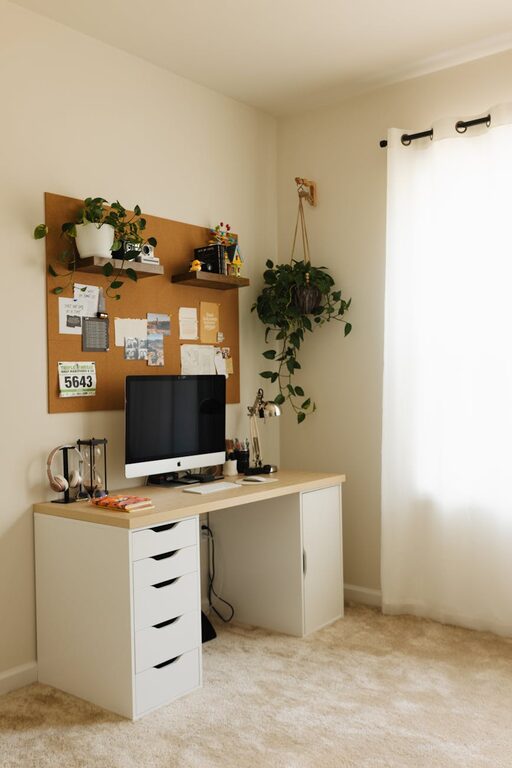
A cluttered desk can distract you or cause stress. Keep only necessary items on your workspace and regularly eliminate things you don’t need.
Storage Solutions
Use shelves, filing cabinets, or drawer organizers to keep paperwork and supplies neatly stored. Labels can help you quickly find what you need without wasting time searching.
Cable Management
Tidy up cords and cables with clips, sleeves, or under-desk trays. Organized cables reduce visual clutter and minimize the risk of accidents.
Personalize to Feel Comfortable
Add Plants
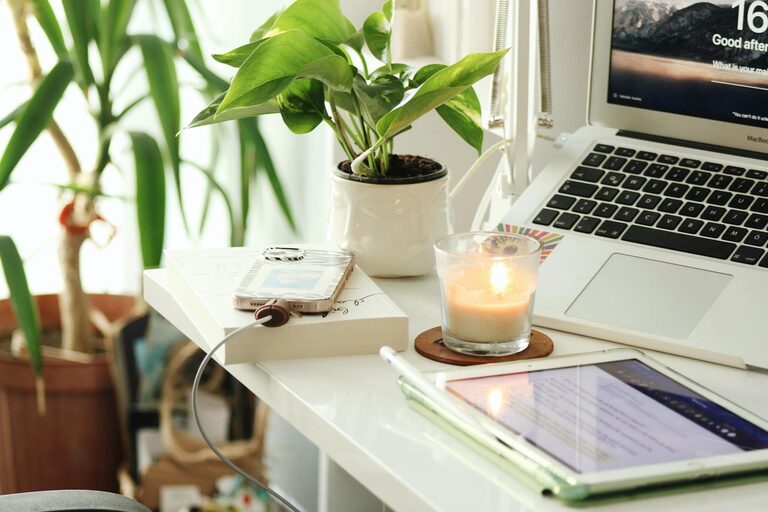
Indoor plants can improve air quality and add a calming touch to your workspace. Small, low-maintenance plants like succulents or pothos are great options.
Use Cozy Textiles
Introduce soft elements like cushions, throws, or a rug. These can make your workspace feel inviting and keep you comfortable, especially during colder months.
Display Inspiring Items
Include motivational quotes, artwork, or photos that uplift you. Personal touches can increase your happiness and motivation while working.
Minimize Distractions
Set Boundaries
If you share your living space with others, communicate your work hours and the importance of minimizing disturbances during those times.
Noise Control
Use noise-cancelling headphones or play background music or white noise to help you concentrate if ambient sounds are a challenge.
Keep Electronics in Check
Limit distractions by turning off notifications on non-work devices or using apps that block distracting websites during focused work sessions.
Optimize for Productivity
Use Task Lighting
A good desk lamp with adjustable brightness can reduce eye strain and keep you alert during late hours or cloudy days.
Maintain a Clean Desk Policy
At the end of each day, spend a few minutes tidying your workspace. A clean desk in the morning sets a positive tone for your day.
Plan Your Day
Use calendars, planners, or digital tools to organize tasks and deadlines. Having a clear plan reduces procrastination and stress.
Take Breaks and Move
Schedule Regular Breaks
Following methods like the Pomodoro Technique (25 minutes focused work, 5 minutes break) can keep your mind fresh and productive.
Incorporate Movement
Stand up, stretch, or walk around during breaks to prevent stiffness and improve circulation.
Technology Setup
Reliable Internet Connection
A strong, stable internet connection is a must-have for smooth communication and workflow.
Quality Equipment
Invest in a good monitor, keyboard, and mouse to enhance comfort and efficiency. External webcams and microphones can improve video call experiences.
—
By thoughtfully designing your home workspace, you can create an environment that balances comfort with functionality. Implementing these tips will help you stay motivated, organized, and productive, making working from home an enjoyable and successful experience.